
Schedule Facebook Posts & Page Content
Manage your Facebook presence with scheduled posts. Publish to pages, groups, and profiles with AI-optimised content.
Free 7-day trial • Cancel anytime • Card required

How it works
From setup to your first scheduled post in under 5 minutes.
Connect
Link your social accounts in under 2 minutes. Secure OAuth, we never store your passwords.
Create
Write your own captions or let AI generate them. Add images, videos, or create visuals in Design Studio.
Schedule
Pick a time, drag-and-drop on the calendar, or tap 'Next Available' to find the perfect slot.
Publish
posterly auto-publishes at your scheduled time with retry logic and email notifications if anything needs attention.
Stop fighting your workflow
See the difference between manual management and AI-automated publishing.
Without posterly
Hours of Manual Work
Resizing, rewriting, and logging in across every platform, manually.
Inconsistent Posting
Missing peak times means lower engagement and stalled growth.
Platform Chaos
Tab chaos: juggling Instagram, LinkedIn, TikTok, and X separately.
Creative Burnout
Blank page every day, new ideas, new copy, new visuals from scratch.
With posterly
Minutes to Schedule
Upload once, AI adapts for every platform. A week of content in minutes.
Consistent Growth
AI posts at the right time, every time, your audience stays engaged.
Unified Command Center
One dashboard for every channel. No more tab switching.
Creator Joy
You create. posterly resizes, schedules, and posts.
Everything you need to scale your social presence
From planning to publishing to monitoring, posterly handles it all with AI-powered automation.
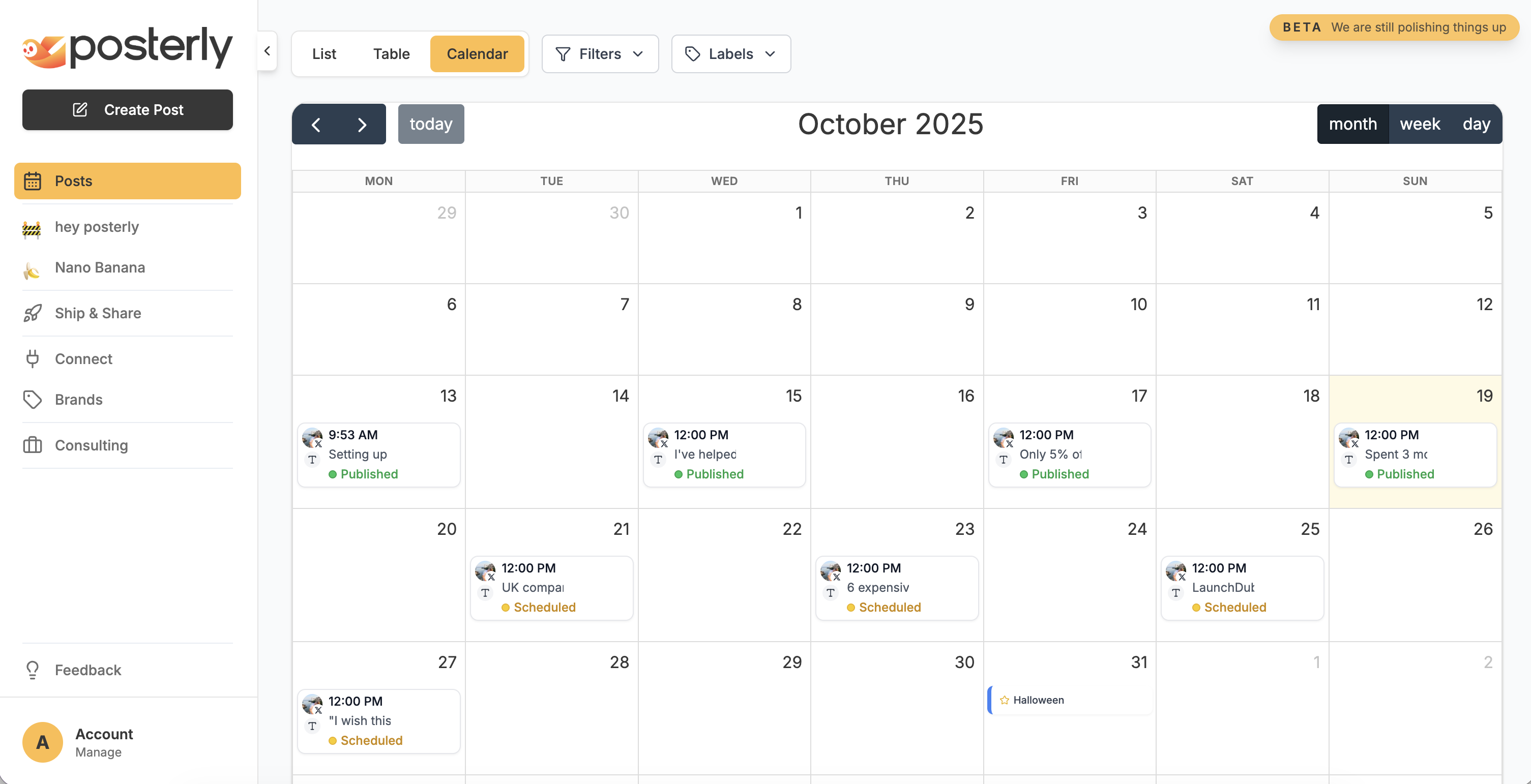
Plan Smarter
Unified dashboard with calendar, list, and table views. Drag & drop scheduling across 10+ platforms with smart validation.
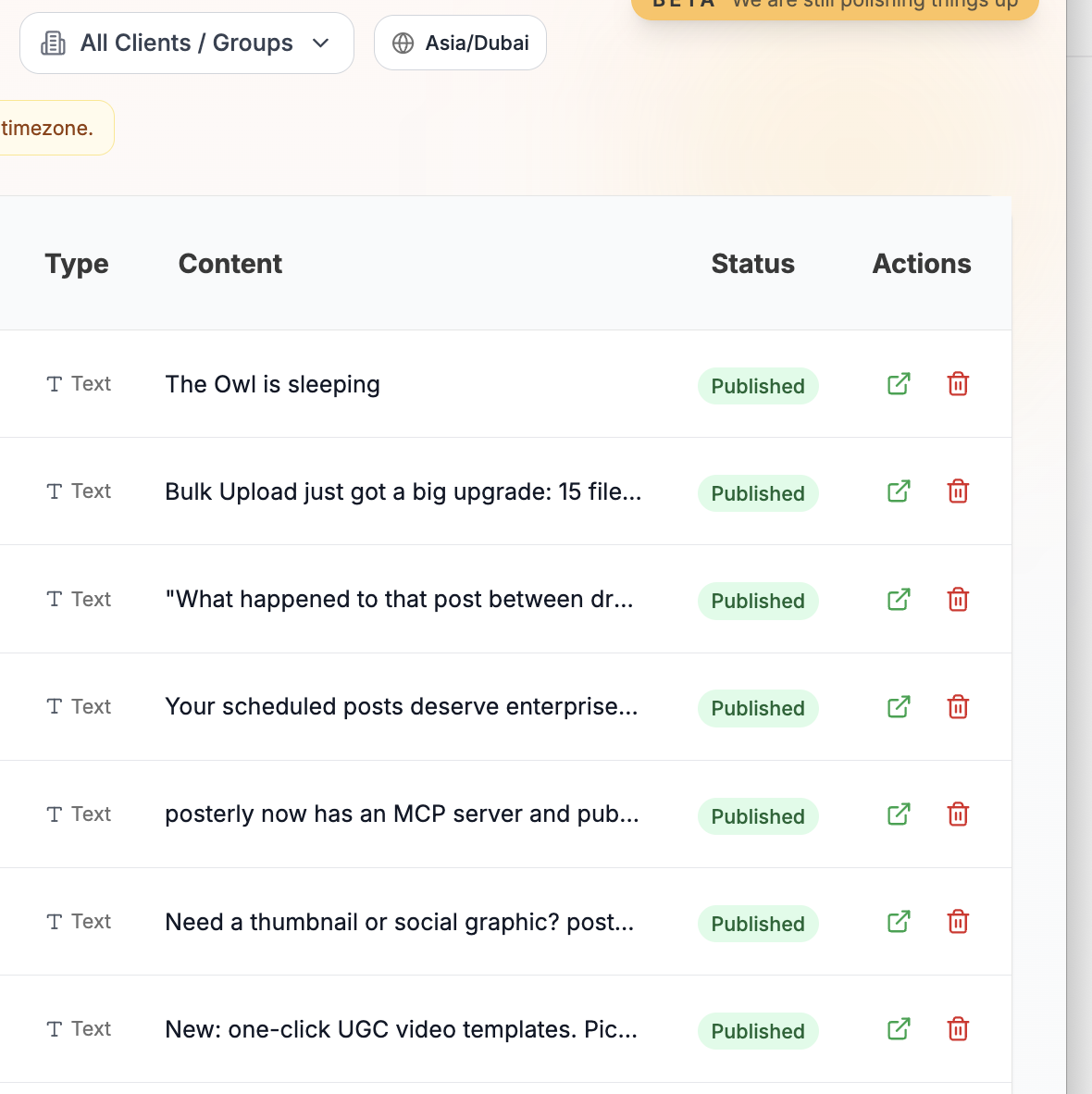
Publish Reliably
Real-time queue monitoring, automatic retries, and duplicate prevention. Built on Redis/BullMQ for enterprise-grade reliability.
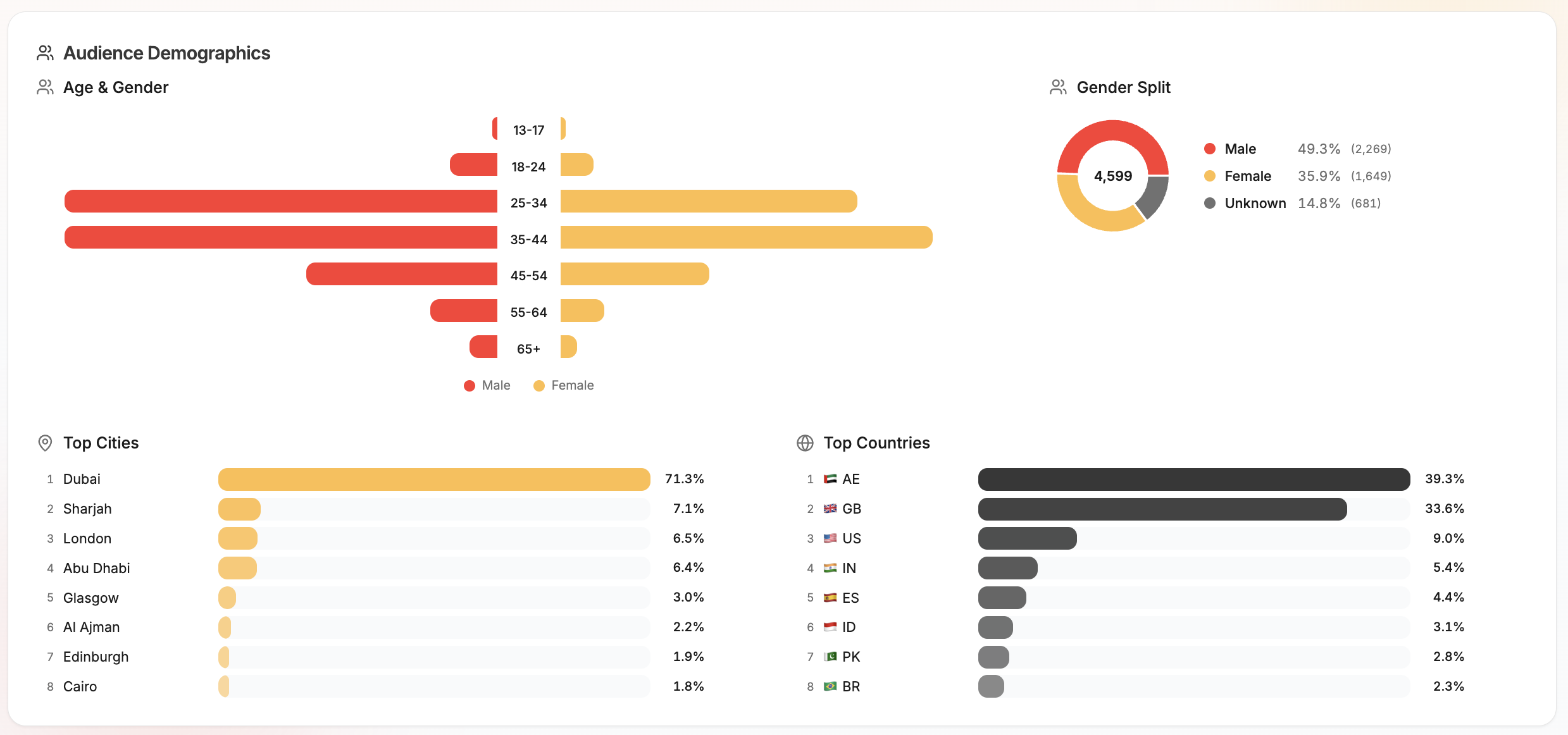
Analytics
Track reach, engagement, top posts, follower growth, and performance trends across connected accounts. Export reports for clients or internal reviews.
Social Inbox
Reply to Instagram DMs, manage Instagram and Facebook comments, use saved replies, and keep engagement organized from one workspace.
Social Inbox
DMs and comments in one flow
Can you send pricing?
Love this launch.
Thanks for reaching out.
Suggested reply ready
Personal, fast, and on-brand.
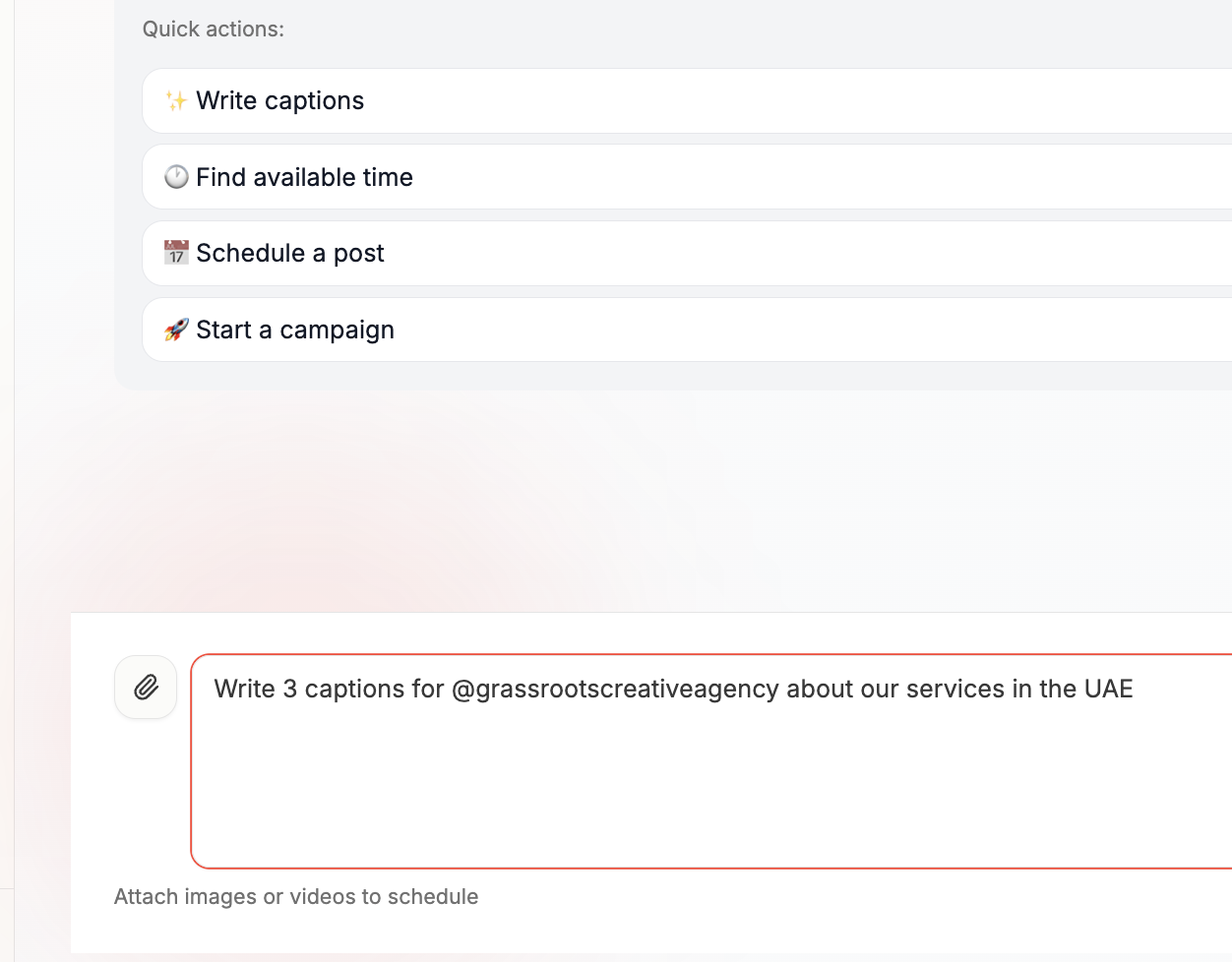
Automate Creativity
AI-powered scheduling with AI Agent. Smart copy suggestions and content optimisation built-in.
Brand Voice
posterly learns how each account writes from the posts you publish, then drafts new captions in that voice and suggests on-brand posts to publish next. Set British or American spelling per brand.
Brand voice
Learned from your published posts
Suggested for you
UseBehind the scenes on this week's drop. Small team, long hours, and a launch we're proud of. Tap through for the full story.
Written in your voice. Nothing posts without you.
Google Reviews
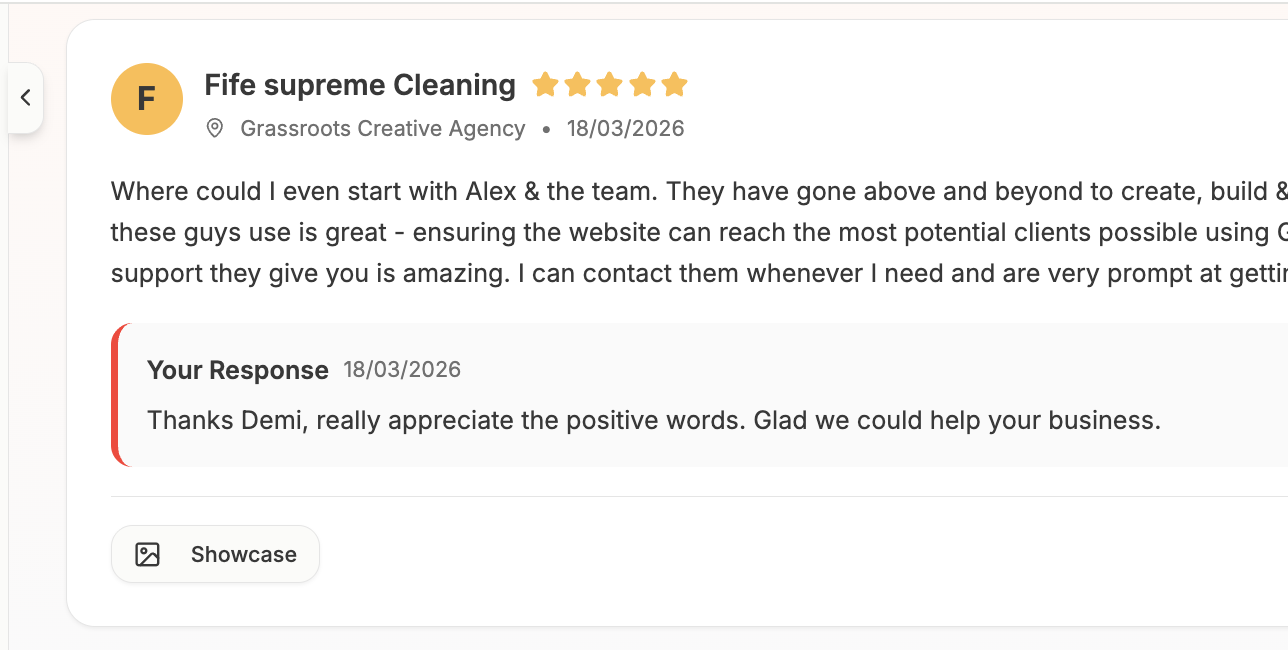
Manage all your Google Business reviews in one inbox. Use AI to draft on-brand responses and reply without leaving posterly.
Link in Bio
One page for all your links. Auto-populated social icons, recent posts grid, 8 themes, click analytics, and a QR code, included on Pro.
API & MCP
Schedule posts from Claude, ChatGPT, Cursor, or any MCP client. Full REST API for custom integrations.



Workspaces
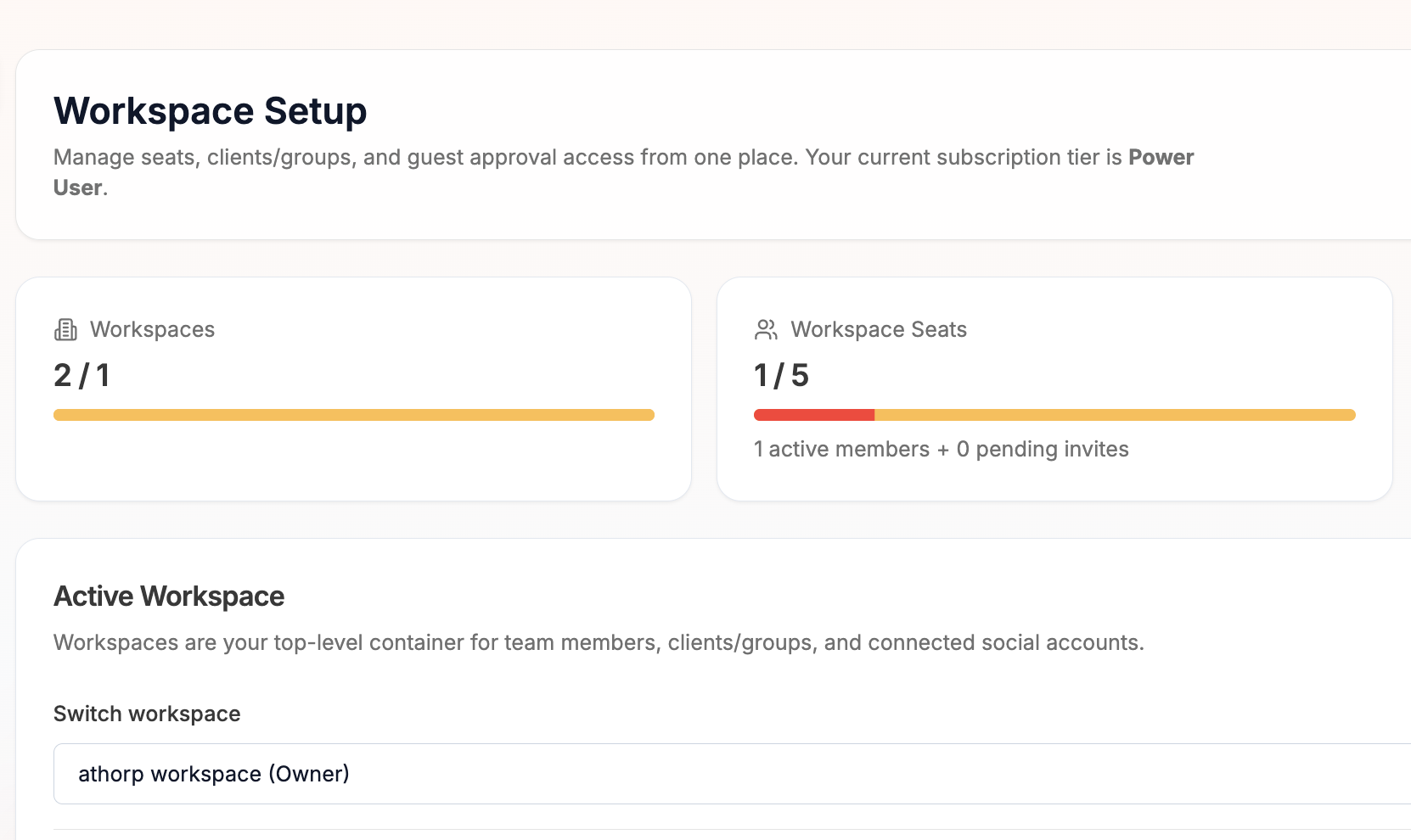
Team seats with roles, client containers, guest approval links, and per-client timezone scheduling. Run your agency from one place, teammates collaborate internally, clients review and approve externally.
AI Video
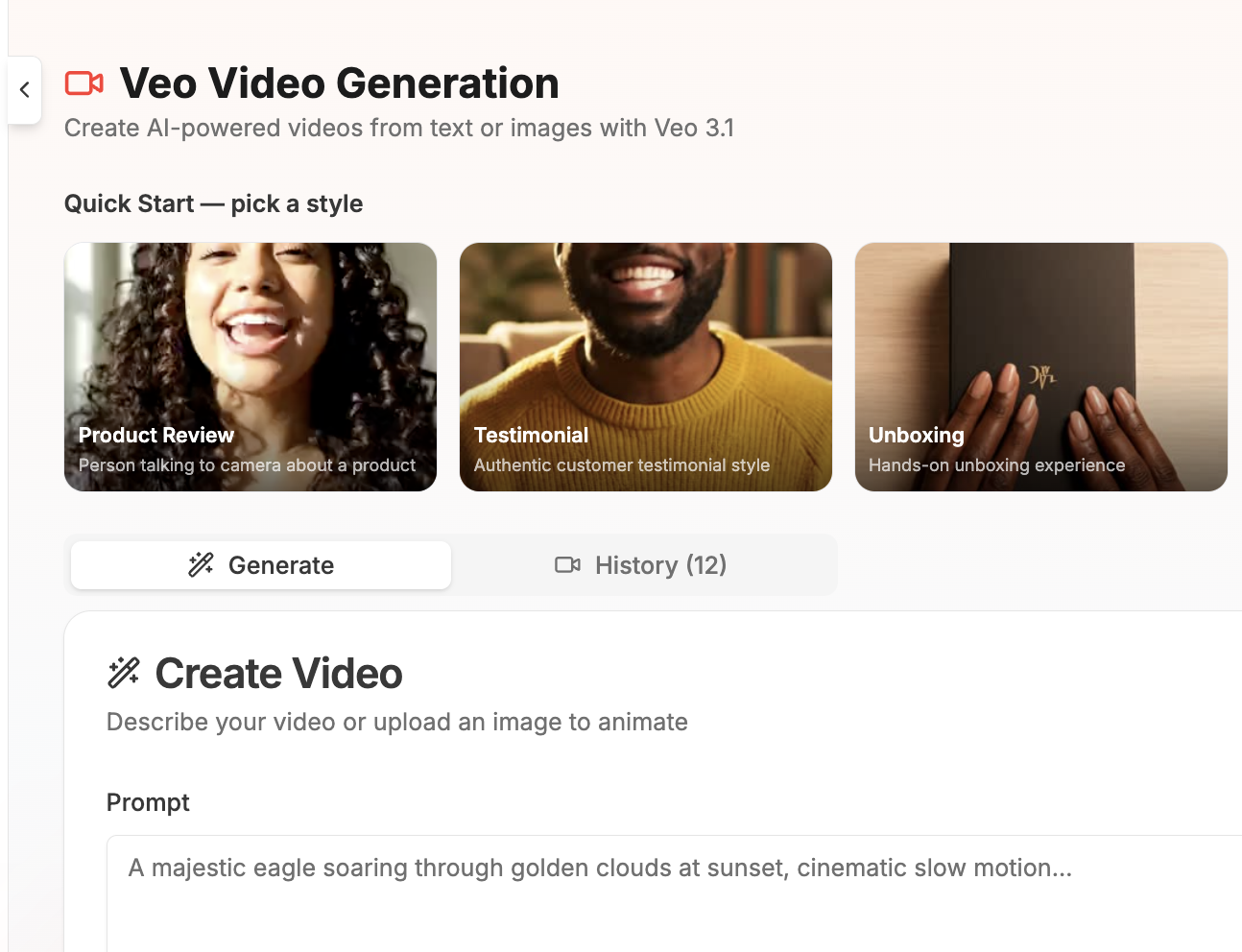
Generate UGC-style videos in seconds. 6 presets, product reviews, testimonials, unboxings, tutorials, and more, powered by Veo.
AI Images
Generate custom 4K images for your posts with AI. Choose styles, aspect ratios, and use results directly in the composer.
Profile Auditor
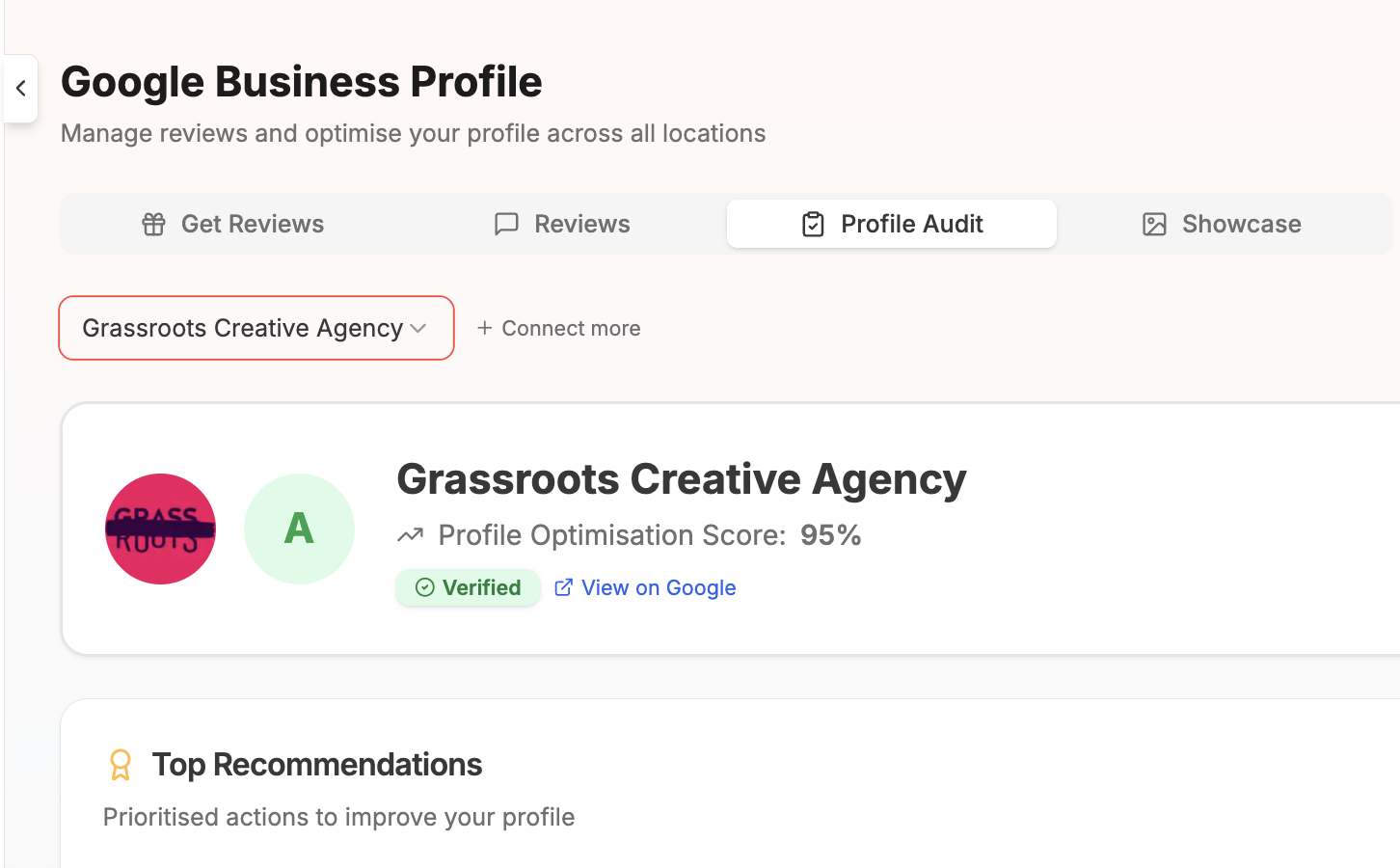
Audit your Google Business Profile for SEO. Get a completeness score, actionable recommendations, and NAP consistency checks.
Ship & Share
Turn product launches into multi-platform announcements. Connect GitHub to auto-generate social posts from commits and releases.
Bulk Upload
Schedule up to 30 posts at once from a CSV or batch of images. Map columns, preview, and schedule everything in one go.
Turn code commits into marketing content
Ship & Share automatically transforms your GitHub commits into ready-to-post marketing content. Perfect for developer tools, SaaS products, and technical teams who want to showcase their progress.
- Automatic commit detection and parsing
- AI-generated marketing copy from technical changes
- Multi-platform formatting and optimisation
- Schedule or publish instantly
How to Schedule Facebook Posts with posterly
Connecting Facebook
Connect your Facebook Page through the Accounts page. posterly uses Meta's official OAuth flow, you'll log in with Facebook and grant access to the Pages you want to manage. You need to be an admin of the Facebook Page to connect it. The same OAuth flow also enables Instagram publishing if your Instagram account is linked to the Page.
Post types
posterly supports multiple Facebook post types: standard text posts, photo posts (single image or multi-image), video posts, Reels, Stories, and link posts. Select the post type in the Composer, each type has its own media requirements and formatting options. Reels require vertical video (9:16), while standard video posts are more flexible with aspect ratios.
Scheduling posts
Write your post in the Composer (or generate one with AI), attach your media, and pick a date and time. Facebook Page posts can be up to 63,206 characters, though shorter posts (under 250 characters) tend to get more engagement. posterly's AI generates concise, engaging posts optimised for Facebook's feed algorithm.
Facebook Reels
Upload a vertical video (9:16 aspect ratio, up to 90 seconds) and select "Reel" as the post type. Facebook Reels are published to your Page's Reels tab and distributed through Facebook's Reels feed, which has been getting increased algorithmic priority.
Facebook Stories
Schedule Stories to your Facebook Page. Upload an image or short video, select "Story" as the post type, and schedule it. Stories appear at the top of your followers' feeds and expire after 24 hours.
Best times to post on Facebook
Facebook engagement generally peaks mid-week (Wednesday and Thursday) between 11am and 2pm. But audience-specific patterns vary widely. Use the AI Agent to get personalised recommendations based on your Page's audience and posting history.
Free Facebook tools
Use these without an account, then upgrade to schedule.
Schedule to other platforms too
posterly connects 11 social platforms in a single dashboard. One AI Composer, one calendar, one set of analytics.
Pick the plan that fits your roster
Drag the slider to tell us how many social accounts you manage. We'll recommend the right plan, then pick weekly, monthly, or yearly, yearly saves 20%. Free 7-day trial on every plan.
How many social accounts?
Drag the slider to match your roster. We'll recommend the right plan.
$12/mo billed annually · Save 20%
7-day free trial · Cancel anytime
Pro
Recommended for youUnlock unlimited AI features
Publishes to 11 platforms and connects to:






 🦞
🦞What's included
38 features- 12 social accounts
- 3 workspace seats
- Analytics dashboard
- Social Inbox for Instagram DMs, Instagram comments, and Facebook comments
- Brand Voice Learning (writes new captions in each account's voice)
- Suggested posts: on-brand drafts in your voice
- 5 Link in Bio pages
- 5 clients / groups
- Guest reviewer links
- AI Caption Assist (Unlimited)
- AI Images (30/month)
- AI Agent (15/month)
AI features include monthly allowances and daily fair-use guardrails. See our Fair Use Policy for the full breakdown. *X posting is subject to monthly plan limits and add-ons because of current X API pricing.
Facebook Scheduling FAQ
Common questions about scheduling Facebook content with posterly